Digital work instructions that work with what you already have
Bring your existing SOPs, manuals, work instructions, checklists, and shop-floor documents into Workerbase. Make them easy to find, use, and execute without rebuilding everything in a new editor.
Running on shop floors at







Start where the problem is
You do not need a transformation project to improve work instructions.
Some teams only need existing knowledge to become usable. Others need proof that work was completed. Some want Workerbase to manage the process itself.
Find
People get the right instruction without hunting for it
Record
You know what actually happened
Run
The right task reaches the right person automatically
Improve
Improvement starts from real work, not assumptions
Start with one. Add more only where it creates value.
Download the guideDon't rebuild your work instructions. Use what you already have.
Your content already exists.
It sits in SharePoint, network folders, PDFs, Word files, manufacturer manuals, SOP libraries, PLM, setup sheets, cleaning procedures, and troubleshooting guides.
Workerbase brings that knowledge into one usable structure and connects it to the shop floor.
Put the right knowledge on the right object
Link content to:
- machine
- asset
- location
- process
- work order
- product
- station
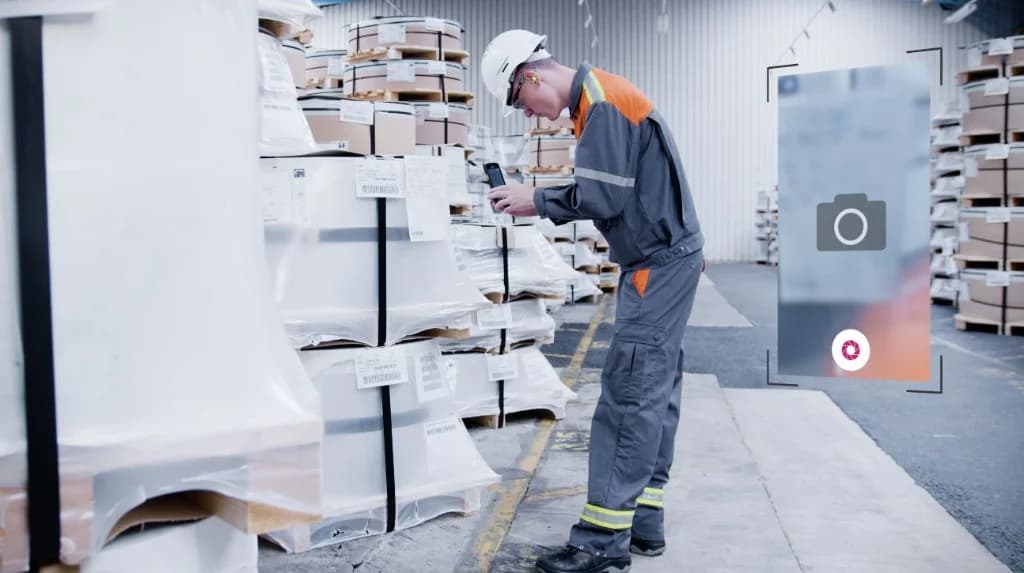
The operator does not need to know where a document lives. They open or scan what they are working on and get the information that belongs to it.
No folder hunting. No stale revision.
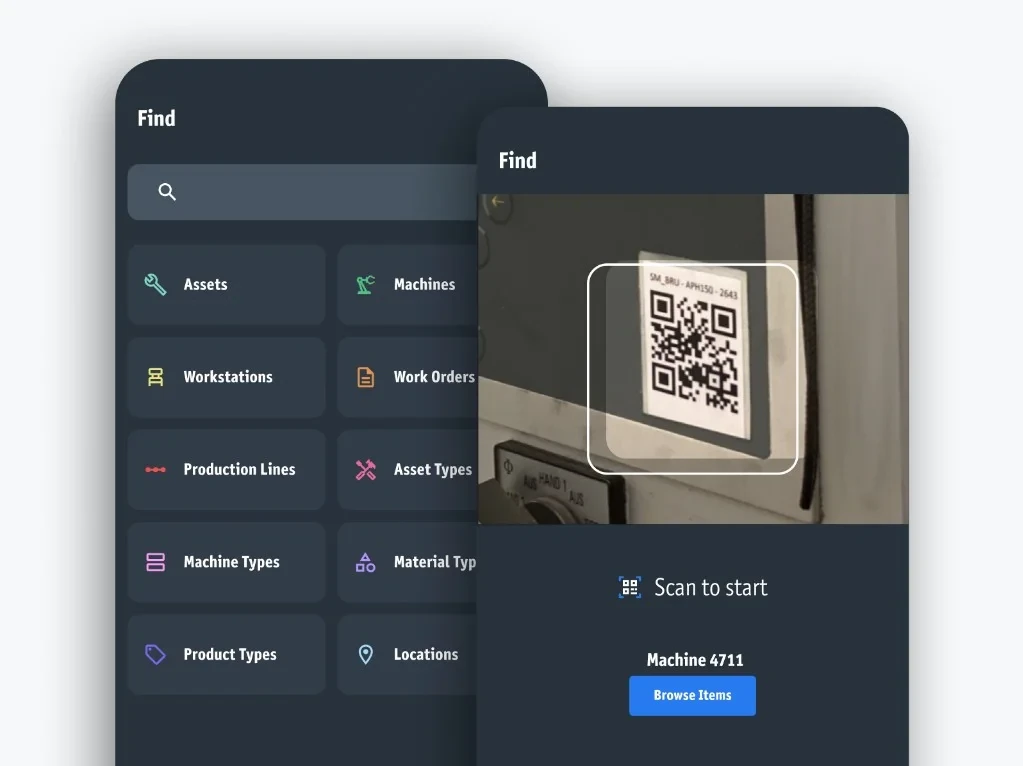
Ask the machine, not the folder
- How do I set up this machine?
- What does error 347 mean?
- How do I fix this fault?
Workerbase AI provides answers based on the manuals, SOPs, and instructions linked to that object.
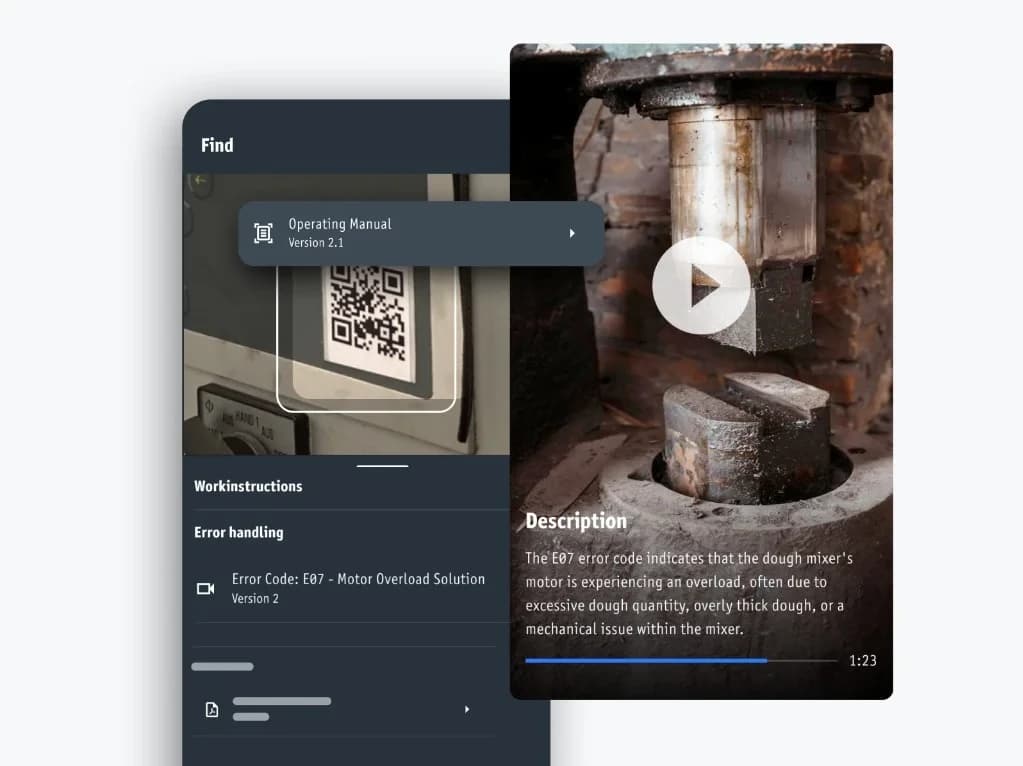
Know what happened, not only what should happen.
An instruction says what should happen. A record shows what did.
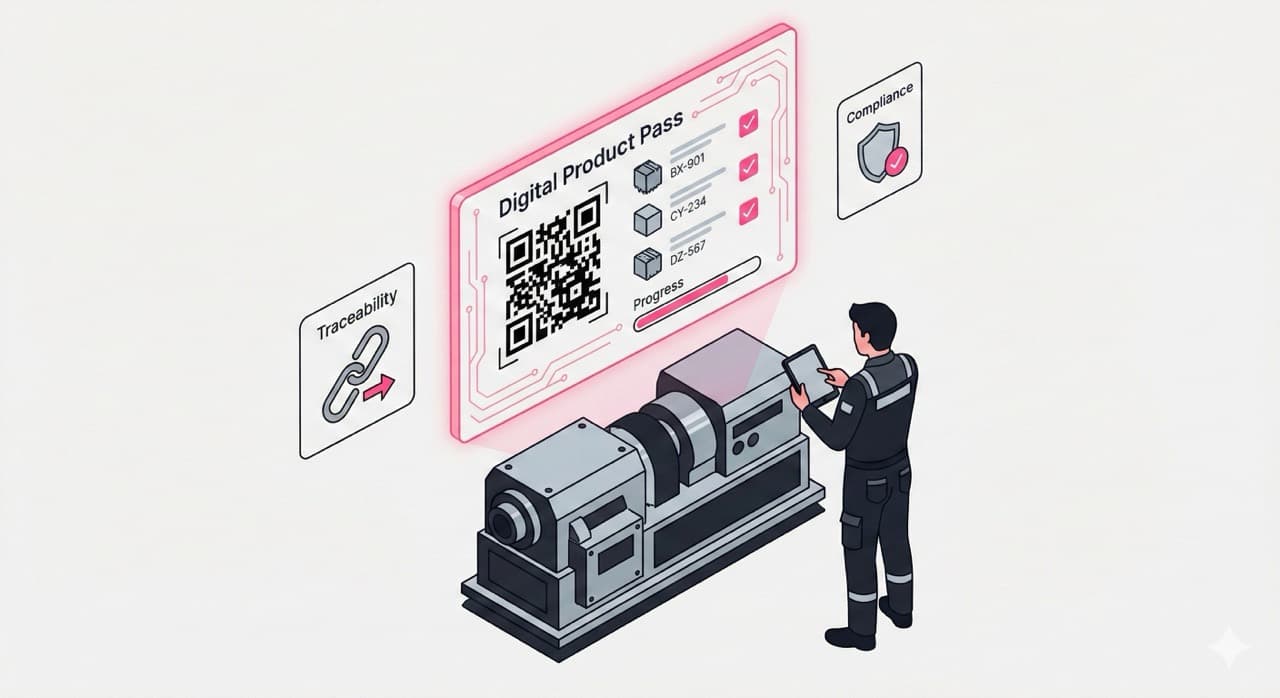
Workerbase turns selected instructions and checklists into structured execution records.

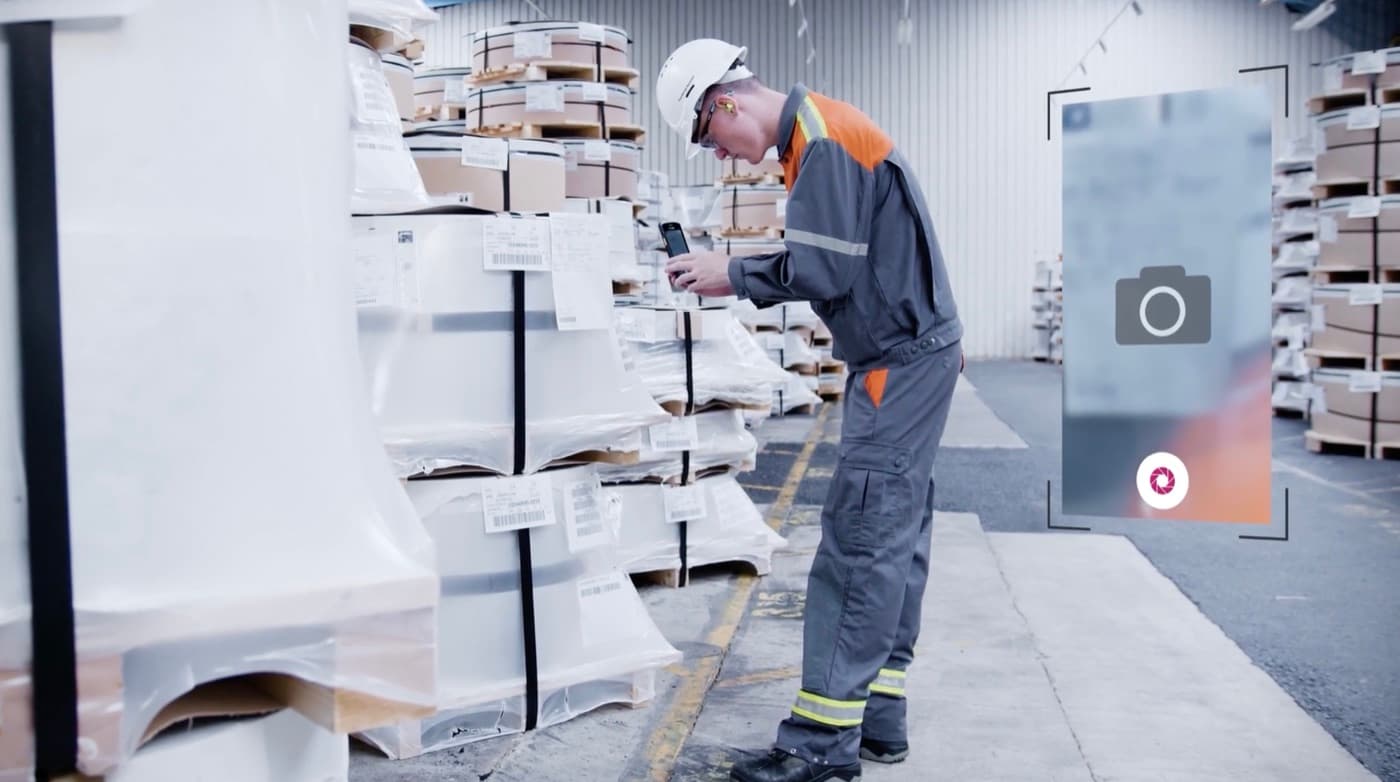
Capture evidence as the work happens
- confirmations
- yes/no/NA
- values
- tolerances
- signatures
- photos
- video
- comments
- barcode/QR scans
- required fields
When the work is done, Workerbase records:
- revision
- operator
- confirmations
- values
- observations
- timestamp
- sign-off

Cleaning instruction v4
Machine 4711 · 20 Aug, 10:43
- Checks8/8
- Pressure3.2 bar
- PhotoAttached
- Sign-offCompleted
Let AI reduce documentation work
You define what must be documented. Operators enter information naturally and Workerbase structures it into the required record.
"Filter heavily contaminated. Cleaned. No damage visible."
becomes:
- Condition: heavily contaminated
- Action: cleaned
- Damage: none visible
- Status: completed
Filter inspection
From voice · live
Filter heavily contaminated. Cleaned. No damage visible.
- Conditionheavily contaminated
- Actioncleaned
- Damagenone visible
- Statuscompleted
It works standalone
The surrounding process does not need to run in Workerbase.
Useful for:
- inspections
- cleaning
- quality checks
- maintenance
- safety
- audits
- handovers
- standalone checklists

The work comes to the operator.
Find and Record work standalone.
When you want Workerbase to manage the process too, connect it to the systems and machines that know what is happening.
Workerbase can:
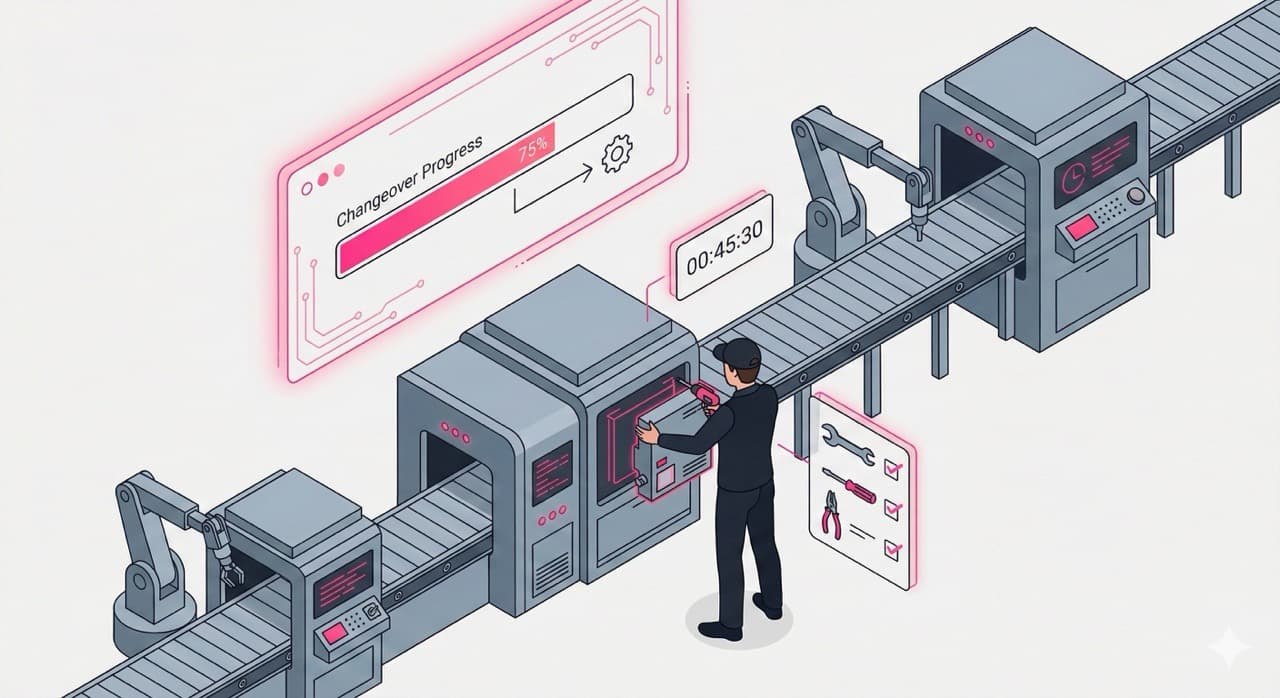
- trigger work
- assign tasks
- select the right instruction
- load variant and parameters
- route work to qualified people
- monitor progress
- escalate deviations
- write results back
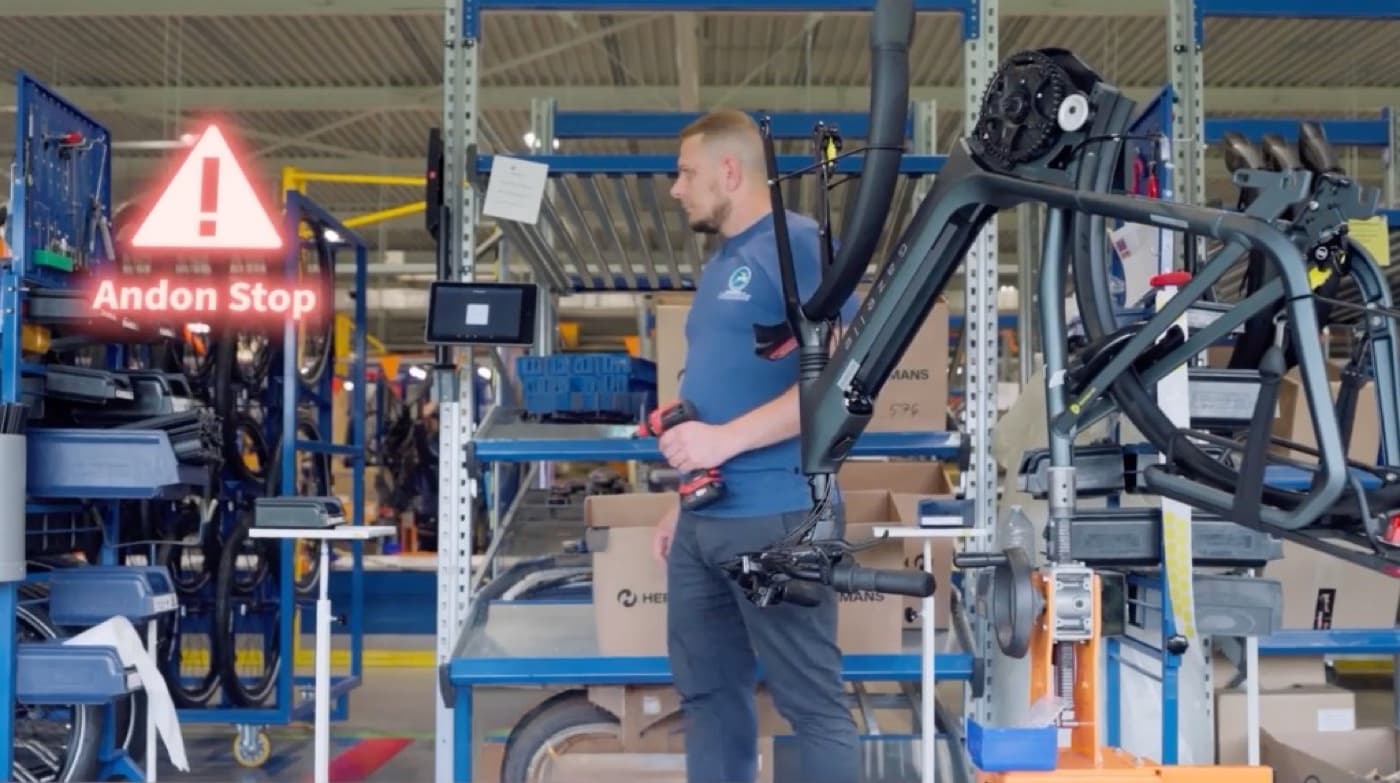
Example
A machine reports error 347.
Workerbase combines:
Knowledge – manual, troubleshooting guide, internal SOP.
Execution history – previous repairs, comments, measurements.
Live context – error code, machine state, production order, product variant.
The result is not just an answer.
It is the right task, with the right context, sent to the right person.
Improve from what actually happened.
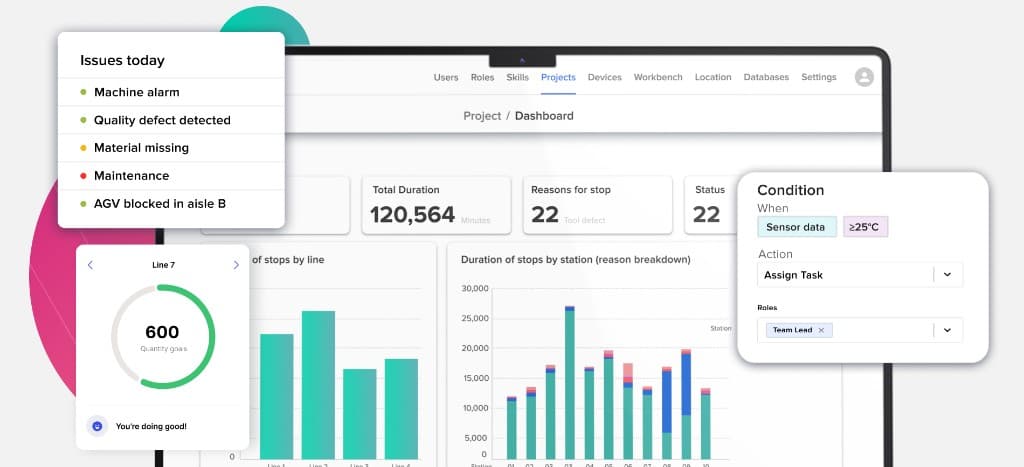
Every execution creates structured data:
- time per step
- values
- deviations
- escalations
- comments
- outcomes
Use that data in your Kaizen board, BI tool, SMED cycle, audit, or improvement process.
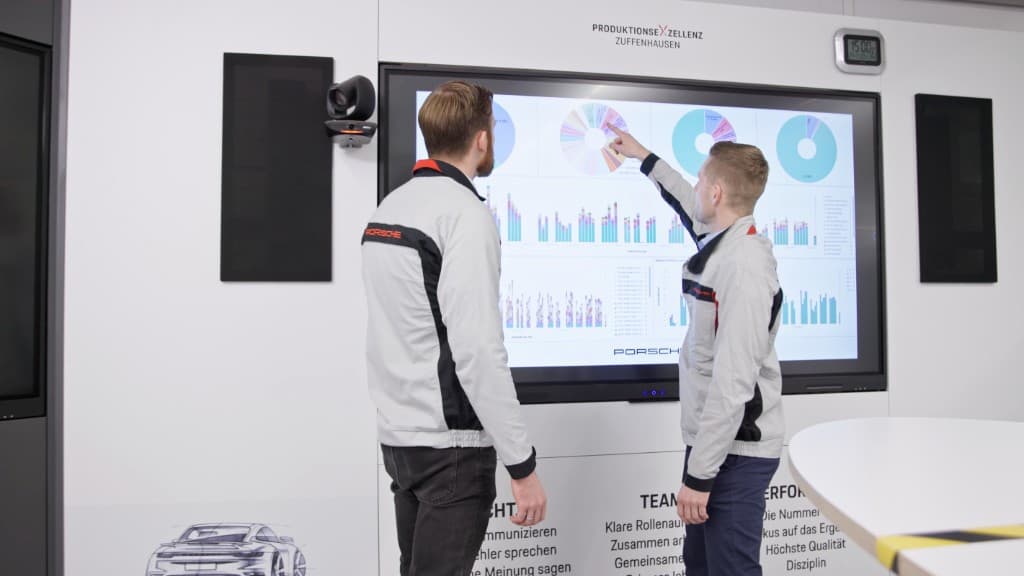
Improvement should run on what actually happened, not on what the standard says should have happened.
And because baseline and result come from the same execution data, proving improvement becomes easier.
What you prevent from happening from going wrong
Wrong revision at the station
Approved changes reach every device once published.
Steps get skipped
Required steps, fields, signatures, and thresholds make execution explicit.
Instructions get interpreted
Conditional logic shows the right steps for this variant, order, and state.
Connected to the systems that already run your plant
Workerbase does not replace systems. It uses their context to manage frontline work.
You do not need this to start with Find or Record.
Where customers start
One platform. Different entry points.

More use cases
Existing content first. Editing when you need it.
Your teams can maintain instructions without IT.
From existing content
Turn a PDF, Word file, photo, video, or prompt into a structured instruction.
From templates
Reuse proven flows for quality checks, cleaning, changeover, shift handover, and goods receipt.
By hand
Use the no-code editor for branching, required inputs, approvals, escalations, parallel steps, signatures, and conditional logic.
Controlled before it reaches the floor
Full enterprise governance support
Multi-level review, permissions, versioning, and approval before anything reaches the floor.
Multi-level review
Role-based permissions and approval before publishing.
Version history
Traceable changes with rollback when you need it.
Language versions
Managed language versions with automatic translation when you want it.
Certified platform
ISO 27001 and TISAX certified. GDPR compliant.
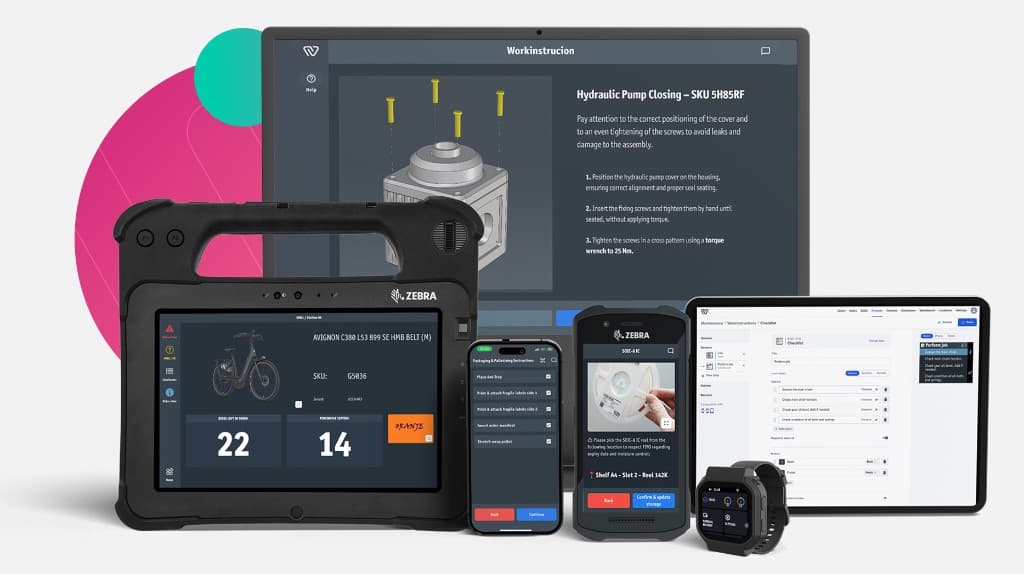
Available where the work happens
- industrial smartwatch
- smartphone
- tablet
- shared terminal
- desktop
“I rarely experience digital solutions with such a strong pull from the shopfloor. Our teams are actively asking to implement Workerbase because they see that it works.”
Oliver Hoffmann
CTO, thyssenkrupp Rasselstein
Use the systems and content you already have
Content sources
SharePoint · PLM · DMS · file shares · PDFs · Word · manuals · SOP libraries
Operational systems
ERP · MES · QMS · WMS · SCADA · machines · APIs · UNS / MQTT
FAQ
Start with what you already have
Send us one work instruction, SOP, checklist, or folder from your shop floor.
We'll show you how Workerbase makes it contextual, searchable, and usable.