Commission the actual unit
Use the real as-built configuration of the product to generate unit-specific commissioning instructions, required checks and checklists.
Running on shop floors at







From as-built record to commissioning record
As-built record
What was actually built
AI-generated content
Instructions + checks for this unit
Human review & approval
Experts decide what reaches the shopfloor
Commissioning execution
Guidance and evidence capture on site
Commissioning record
What was actually commissioned
Work creates the as-built record. AI creates the commissioning content. Humans review and approve. Commissioning creates the final execution record.
Start from what was actually built
Workerbase can use the as-built record of the specific unit as the source for commissioning.
Relevant context can include:
- actual configuration
- installed components
- component serial numbers
- measured values
- approved deviations
- software / firmware versions
- test results
- production order
- engineering revision
The actual build becomes the source for commissioning.

Serial 4711
As-built record
- MotorMotor Y
- OptionOption B
- Firmware3.2
- DeviationApproved
- Alignment+0.08 / -0.03 mm
Generate the commissioning instructions and checks
Workerbase can use the captured configuration and execution history as the source for AI-generated commissioning content.
AI can prepare:
- commissioning instructions
- commissioning checklists
- required verification steps
- product-specific parameters
- unit-specific checks
- installation instructions where relevant
Human review & approval
AI does not just copy the as-built record into a checklist. It turns what actually happened during the build into the instructions, parameters and checks required for commissioning.
Large engineered system rebuilt at the customer site
A large production system may be assembled and tested at the manufacturer, then disassembled, packed, shipped and rebuilt at the customer site.
During the factory build, the actual execution may include changes such as:
- sensor type changed during assembly
- cable routing changed to avoid a collision
- drive alignment corrected during final build
- module position adjusted
- approved deviation added
- reference values captured during factory testing
- factory build
- as-built record
- customer-site content
Workerbase can retain those facts in the as-built record and use them to generate the installation and commissioning content for that exact system.
Human review before release
AI-generated commissioning content follows a controlled review and approval step before it reaches the operator.
Your experts can:
- review generated steps
- change wording
- add or remove checks
- confirm parameters
- approve the final version
- publish it for execution
If required information is unclear or incomplete, Documentation AI can ask for clarification before the content is finalized.
Show only what applies to this unit
Commissioning content can reflect the actual configuration of the specific product. Instead of one generic checklist for every variant, Workerbase can use product context to determine which checks and parameters apply. The operator sees the content relevant to the unit in front of them.
Unit A
Commissioning set A
- Motor X
- EU configuration
- Option A
Unit B
Commissioning set B
- Motor Y
- US configuration
- Option B
Execute commissioning on the shopfloor
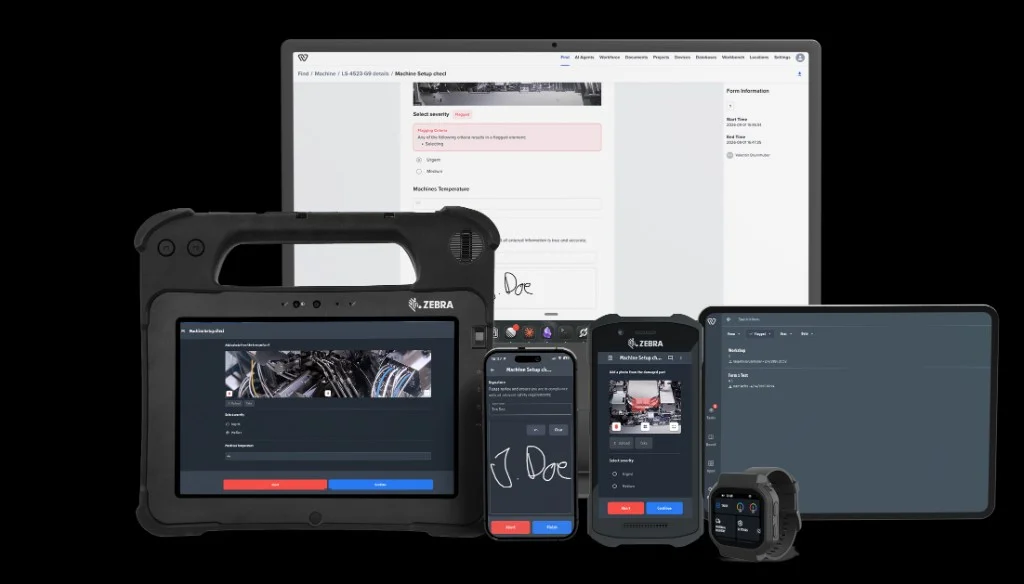
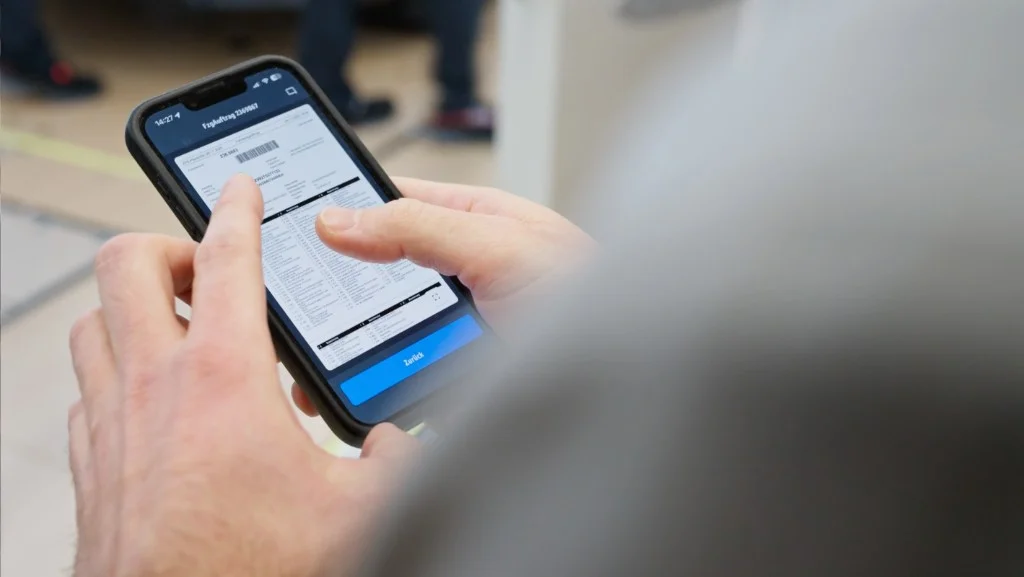
Commissioning instructions can combine guidance and structured data capture.
A step can include:
- confirmation
- measurement
- tolerance
- pass / fail
- photo
- signature
- comment
- serial number scan
- approval
- deviation
Example: Verify output pressure. Target: 8.0-8.5 bar. Actual: 8.3 bar. PASS.
Initiate
Initiate commissioning when the unit is ready
Commissioning does not have to depend on someone manually finding the right checklist. Workerbase can initiate commissioning based on operational context.
Installation completed
Start commissioning
- product state
- manually confirmed prerequisites
Unit reaches customer site
Assign commissioning package for Serial 4711
- order status
- ERP / MES events
Prerequisite inspection passed
Release commissioning
- connected operational systems
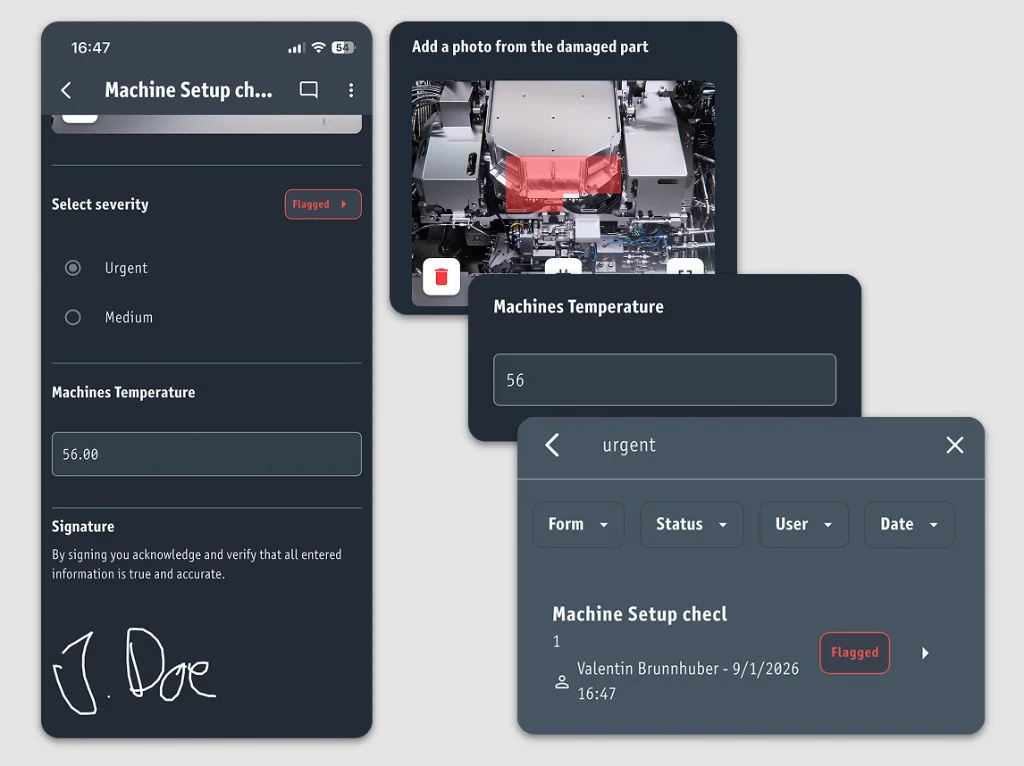
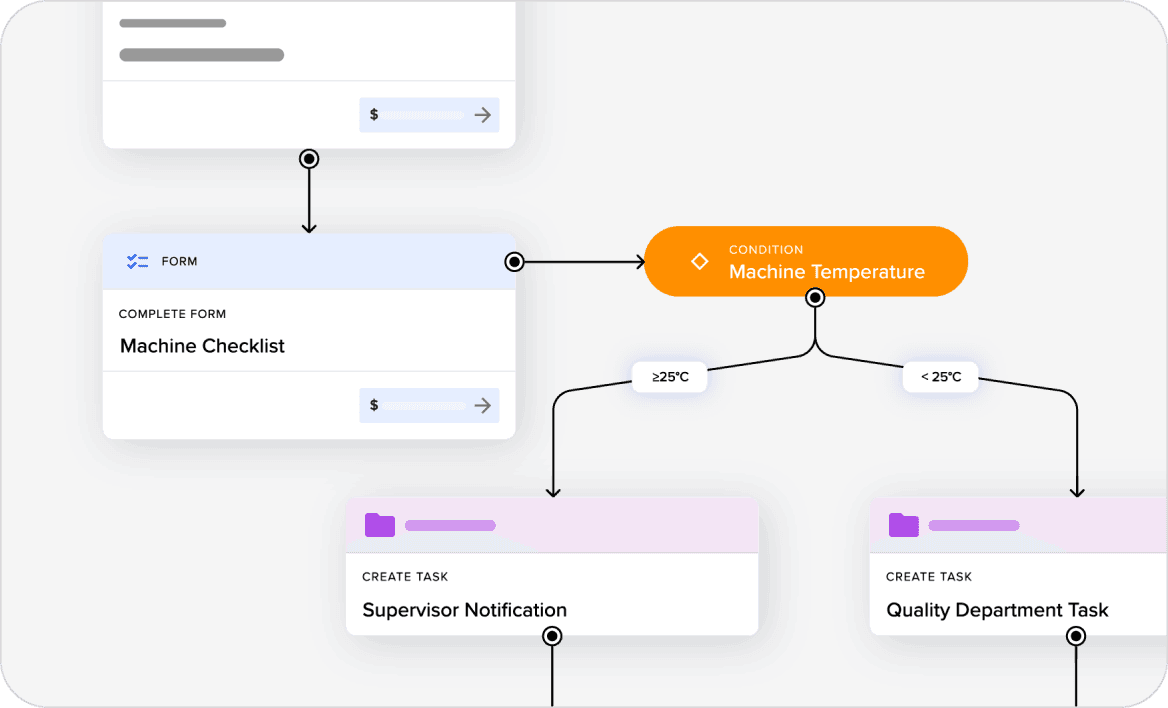
React when a check fails
Commissioning can stop at documentation, or the result can trigger the required follow-up.
Failed pressure check: create deviation, assign follow-up, require retest.
Possible reactions include:
- additional questions
- require evidence
- create a task
- trigger rework
- notify someone
- escalate
- require approval
- block final release
Pressure
Minimum 8.0 bar
- Actual7.4 bar
- ResultFAIL
- NextDeviation -> task -> retest
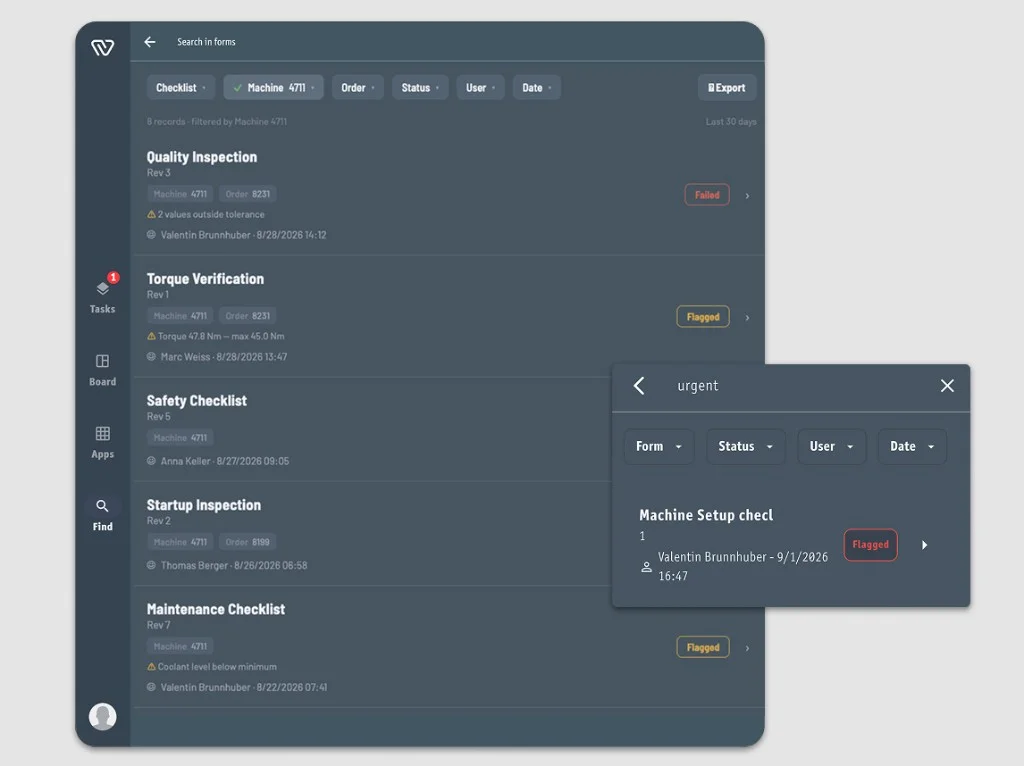
The commissioning result becomes part of the unit record
Completed commissioning creates a structured record tied to the actual unit.
That record can include:
- serial number
- customer / site
- commissioning revision
- operator
- timestamp
- captured values
- test results
- photos
- deviations
- rework
- approvals
- final release
- Show the commissioning record for Serial 4711.
- Which units failed the same check?
- Which firmware version was commissioned?
- Which deviations were approved?
- Export the full commissioning record for the customer.
Use the systems that already know the product
Workerbase can combine as-built execution data with context from systems such as:
- erp
- mes
- plm
- qms
- configuration systems
- apis
Those systems may already provide:
- product
- order
- customer
- configuration
- bom
- engineering revision
- routing
Workerbase adds what actually happened during execution and uses that combined context for commissioning.
Workerbase adds what actually happened during execution and uses that combined context for commissioning.
Go deeper from commissioning
Related use cases
FAQ
Show us one commissioning process
Bring us one unit, its as-built information and the commissioning documentation you use today.
We will show you how Workerbase can turn the actual unit configuration into unit-specific commissioning instructions and checks.