Generative AI in Manufacturing: 5 Use Cases That Work in 2026
Share article
Quick answer: Generative AI is common in manufacturing pilots and rare on the production line, because a bad change on a live line costs more than the problem the pilot was solving. The use cases that make it out of the sandbox fit existing change control: a person reviews the output, the result is tied to real production data, and you can roll it back if it misbehaves. Five that reach production today are building a shopfloor app from a prompt, knowledge answers at the station, AI-generated shift handovers, work-instruction drafting from video or SOPs, and natural-language questions across your production systems.
Generative AI in manufacturing has a deployment problem. The value is real, with McKinsey estimating generative AI could add $275 to $460 billion a year to manufacturing and supply chains. McKinsey's State of AI still finds only about 1% of companies call their generative AI rollouts mature. Engineers build impressive prototypes in an afternoon. Almost none reach a live line. A line standstill costs more than the problem the prototype was solving. Deloitte's Tech Trends frames 2026 as the year AI has to move from experimentation to enterprise impact. That only happens if the deployment path is solved.
This article covers which generative AI use cases cross from sandbox to production, and what has to be true around them before a plant will trust them on a live line. It isn't a catalog of autonomous shopfloor agents. For the IT controls side, pair this with AI governance in manufacturing.
Why most generative AI stays in the sandbox
Most generative AI never reaches the shopfloor because the pilot never enters the same release process you use for any other production change. A prototype that works in a sandbox usually has no owner in the change log. Nobody has signed the review. There's no clear rollback if it behaves badly on the line. Until those exist, the safe choice is to leave it in the sandbox, even when the model itself is strong.
| Sandbox prototype | Production-ready use case | |
|---|---|---|
| Owner in the change log | Usually none | Named reviewer |
| Rollback | Rebuild the demo | Revert the live workflow |
| Systems underneath | Detached | Work orders, stations, permissions |
The use cases that scale fix the process around the model. Someone owns the output. A reviewer treats it like a production change. The system underneath already knows work orders, stations, and permissions. Speed only helps once that path exists. The same pattern shows up in AI-driven process automation: faster authoring is wasted if nothing can go live.
Five use cases that reach production
1. Build a shopfloor app from a prompt, sketch, or video
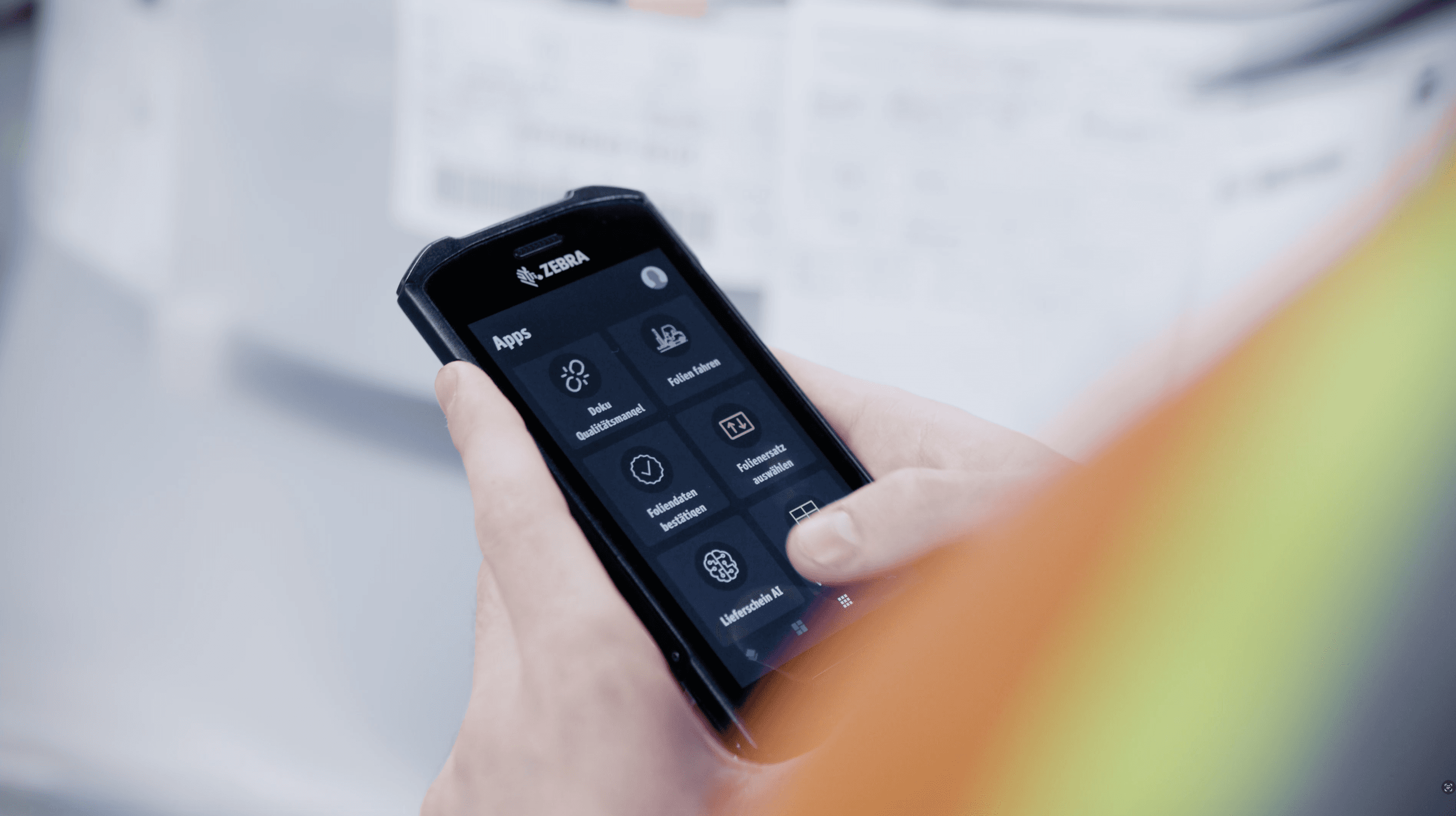
A process expert describes the process in plain language, sketches it, or records the manual step. Generative AI drafts a structured workflow that already understands work orders, deviations, and inspections. A reviewer checks it the way they would check any other process change. It reaches worker devices by the next shift.
This is the clearest before-and-after of the five: months in an IT queue versus a same-shift publish once the review gate is clear. It works when ops teams own most of the configuration and IT stays in the review seat instead of the build queue. In practice, roughly 85% of these deployments are configured by manufacturing teams rather than developers. Teams that want a no-code path alongside the AI path can also use the no-code editor under the same review rules.
2. Knowledge answers at the station
When an operator hits an unfamiliar fault, they ask for the next step and get a recommendation drawn from live machine context, repair history, and the plant's own manuals, in plain language at the station. If they're still stuck, a person helps. That resolution is captured so the next shift doesn't start from zero.
The experience of the best operator becomes available on every shift. First-time fix rates go up. Newer workers reach competency faster as experienced staff retire. The worker stays in control of what happens at the machine. The assistant stays in an advisory role, which keeps guidance useful without unsupervised action at the station.
3. AI-generated shift handovers
Instead of a handwritten note or a verbal summary, the system produces a structured handover of what happened, what is open, and what the incoming shift needs to watch, in each worker's language. Troubleshooting guidance can be drawn from the documented history of similar faults the same way.
Accuracy depends on data captured as the work happened. Reconstructed memory at shift end is too thin. Asking a model to invent a handover from chatty free text is how the use case fails. When every completed task, deviation, and escalation was already logged during the shift, consistency stops depending on whether the outgoing operator remembered to write something down.
4. Work-instruction drafting from video or SOPs
A process owner records a procedure or uploads an existing SOP. Generative AI proposes a structured, step-by-step digital instruction. An editor reviews, adjusts, approves, and publishes. Time-to-first-draft drops from days of writing to hours of review.
Keep the model in a drafting role. The instruction that reaches the floor should be the reviewed version, with a clear owner and a way to revert if something is wrong. Skip the review step and you recreate the sandbox problem inside documentation. Keep the human gate and you get a practical answer to documentation backlog and skilled-worker retirement at the same time.
5. Natural-language questions across production systems
An engineer asks why a line underperformed last night and gets an answer grounded in operational state, without opening five tools. The model supplies language and reasoning. Access control and live state have to come from the systems underneath, rather than a pile of disconnected exports.
Architecture still matters here. If your plant is still deciding between lakes and a unified namespace, read AI across PLM, SCADA, ERP, and MES. You don't need that program finished to start asking useful questions against connected shopfloor data.
What they have in common
All five reach production for a practical reason: the AI output enters the same kind of review and ownership a plant already uses for process changes. Someone checks the draft or answer before it can affect the line. The output is grounded in real work data. A bad change can be pulled back. Whether a use case ships depends on that release path more than on model cleverness.
Workerbase supports that path in the layer between planning systems and the floor. Process experts can describe a workflow and get it live after review. Teams can ask questions and draft shift summaries from live operational data. IT keeps an audit trail for what ran. For a tighter view of the controls around shopfloor apps, see governed shopfloor apps for manufacturing teams. The platform runs in production at customers including Porsche, Siemens, and thyssenkrupp. It's ISO 27001 and TISAX certified, and designed for EU AI Act compliance ahead of the August 2, 2026 high-risk enforcement date. To see a prompt become a production-safe app, book a walkthrough. If you want the live walkthrough format, the From Prompt to Production webinar covers the same ground.
Common mistakes that keep projects stuck
- Treating a demo as a release. If nobody owns the change log, it shouldn't touch a live line.
- Skipping human review because the prototype looked good. A convincing demo still isn't a change-control process.
- Starting with a plant-wide rollout. Prove one line and one use case with a before-and-after baseline.
- Waiting for a perfect data lake. Connect what you have, capture what happened on the shift, expand later.
- Buying one AI tool per department. Sprawl multiplies login, integration, and audit surface. See security and compliance.
- Letting the model act when it should only draft. Answering a question or drafting a handover is useful. Unreviewed changes on the line are how projects get shut down.
Frequently asked questions
What is generative AI used for in manufacturing?
In manufacturing, generative AI is used to draft shopfloor applications from plain-language descriptions, answer knowledge questions at the station, generate shift handovers and troubleshooting summaries from shift data, draft work instructions from video or SOPs for human review, and answer questions across production systems in natural language. The use cases that reach the floor are the ones that fit normal review and ownership.
Why do most generative AI projects in manufacturing stall?
They stall because the pilot never clears production change control. A standstill costs more than the problem, so teams leave promising prototypes in the sandbox until there is an owner, a reviewer, an audit trail, and a way to reverse a bad change. Projects that scale solve that release path first.
Is generative AI safe to use on a live production line?
It can be, when the AI drafts and a person still owns the decision to publish. Keep human review on anything that reaches a worker. Ground the output in real production data. Keep a way to roll back. That pattern also lines up with EU AI Act expectations for oversight and logging.
How is generative AI different from traditional automation in manufacturing?
Traditional automation follows fixed, pre-programmed logic and changes slowly, usually through IT or a systems integrator. Generative AI lets a process expert describe a change in plain language and get a working application quickly under the same review rules. The two are complementary: automation runs the machines, while generative AI helps people build and adapt the human workflows around them.
Do we need a data lake or new infrastructure to use generative AI in manufacturing?
Not necessarily. The faster path connects to the systems you already have (MES, ERP, SCADA, and PLC) through pre-built integrations and starts using structured shopfloor data from day one. That avoids a long infrastructure project and lets you prove value on one line first.
Where should we start with generative AI on the shopfloor?
Start with one painful, measurable workflow: an in-line check, an escalation path, or a changeover sequence you can baseline. Prove time-to-live and review quality with a before-and-after. Confirm the audit trail satisfies your compliance needs. Then expand to knowledge answers and shift handovers rather than committing to a broad rollout up front.